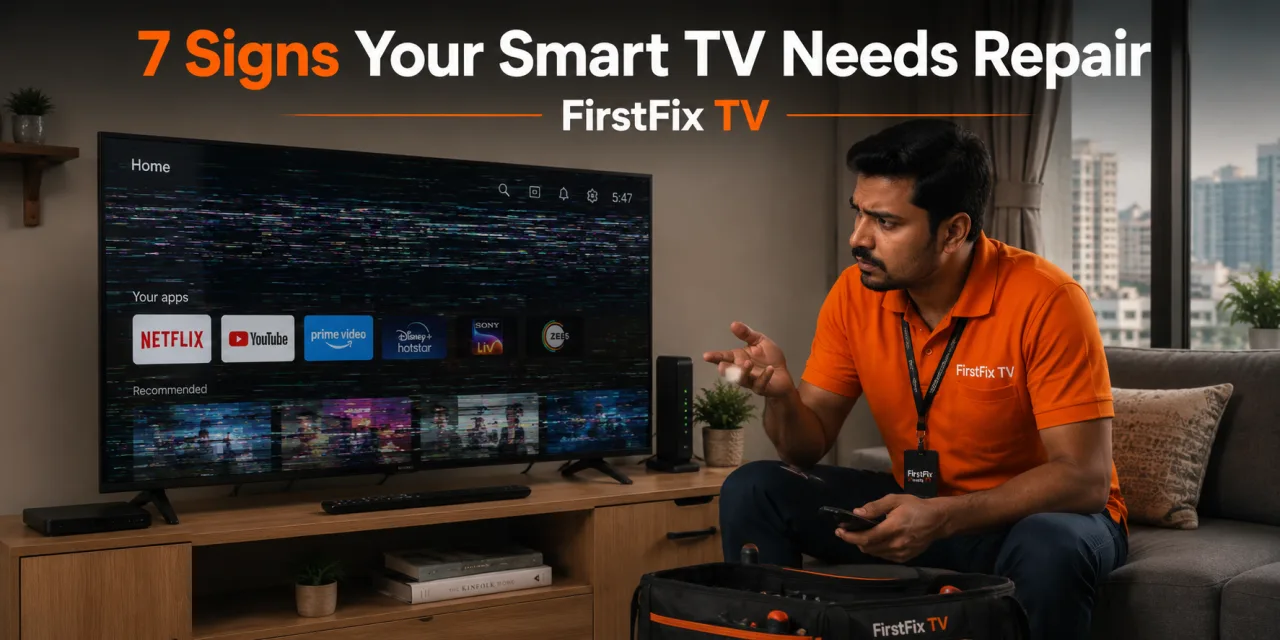
Modern Smart TVs are impressively reliable — but when they start misbehaving, it isn’t always obvious whether you’re looking at a quick settings fix or a genuine hardware or software fault. Knowing the difference saves you time, money and a lot of frustration. Here are seven clear signs it’s time to call a professional.
1. It Won’t Get Past the Logo (Boot Loop)
If your TV powers on but freezes on the brand logo, or keeps restarting in a loop, that’s a classic boot-loop. It’s usually a firmware or onboard-memory (EMMC) fault that needs professional reprogramming — a simple factory reset rarely fixes it.
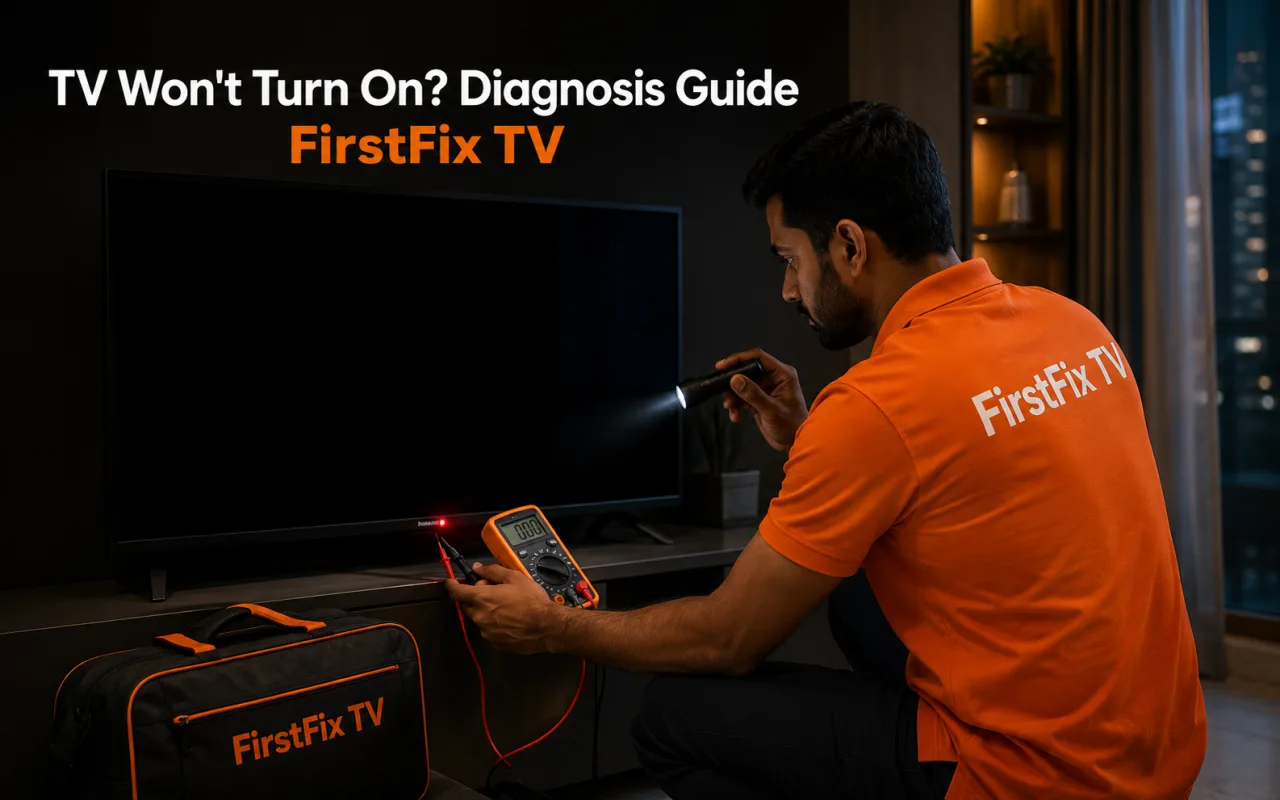
2. Black Screen but the Sound Still Works
When you can hear audio clearly but the screen stays black, the panel and mainboard are often perfectly fine — the backlight has failed. A technician can confirm this in seconds with a torch test and restore the picture by replacing the LED strips.
3. Apps Constantly Crash, Freeze or Disappear
The odd app glitch is normal. But if Netflix, YouTube or the home screen freeze repeatedly, close on their own or vanish entirely, it usually points to storage or software corruption that benefits from a professional firmware repair rather than endless reinstalls.
4. Wi-Fi Won’t Connect or Keeps Dropping
If other devices connect fine but your TV refuses to join the network — or drops it every few minutes — the Wi-Fi module or network firmware may be failing. This is repairable, often without replacing the whole board.
5. HDMI or USB Ports Stop Responding
Dead inputs — where a set-top box or console produces “no signal” on every port — typically indicate a mainboard fault. A technician can test and repair the affected circuitry at component level.
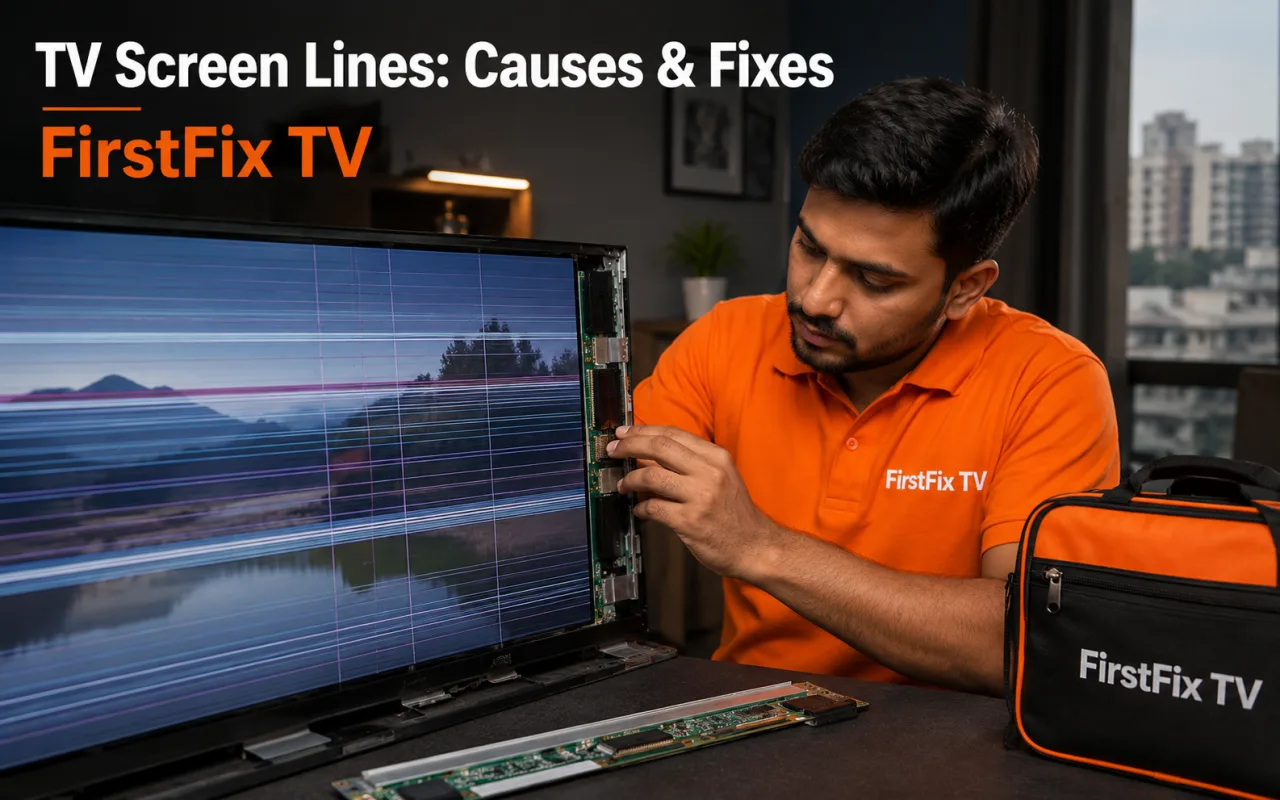
6. Lines, Patches or Flickering on the Screen
Vertical or horizontal lines, coloured patches or persistent flickering are display-side faults — loose ribbon connections, a failing T-CON board or panel damage. These need careful, professional handling.
7. Unusual Heat, Smell or Clicking Sounds
A burning smell, excessive heat or repeated clicking on start-up are serious warning signs — usually power-supply related. Switch the TV off at the wall and book a technician rather than risking further damage.
Pro tip: Before you book, note your TV’s brand, exact model number and precisely when the problem appears — at startup, after an update, or only on certain apps. It helps the technician diagnose faster and quote accurately.
Spotting any of these signs early can be the difference between a quick, affordable repair and a much bigger one. FirstFix TV offers same-day doorstep diagnosis across Mumbai, with 100% genuine parts and a service warranty on every repair.
Written by
Amit Verma
Senior TV Technician · FirstFix TV
Part of the FirstFix TV team — bringing hands-on repair experience and honest, practical TV advice to homes and businesses across Mumbai.